How To Do A Digital Detox: 59 Things To Do Instead of Doomscrolling

Do you ever pick up your phone to check one notification and resurface forty minutes later, not entirely sure what happened? Yeah. Me too.
I’d wager this is the case for a lot of people right now.
Doomscrolling might just be the most relentless and personalized distraction in human history. Yes, before there were things like TVs or novels, but doomscrolling is particularly bad because it’s engineered to keep you scrolling for hours on end. And this isn’t healthy at all.
According to LifeStance Health’s 2025 Researchscape survey on social media and mental health, over three-quarters of Americans are actively considering a digital detox. So if you’re reading this because your screen time report made you wince, you are very much not alone.
Yes, we all need a digital detox every once in a while. And it can be as easy as being more intentional with your time rather than letting an algorithm decide where it goes.
In this guide, I’ll walk you through exactly how to do that: how to tell if you actually need one, the different approaches you can take, a step-by-step plan, the tools that actually help, and a list of 50+ things to do instead of doomscrolling, because “just don’t grab your phone” was never going to cut it. You need alternatives to keep you busy.
First Things First: What Is a Digital Detox, Really?
Basically, a digital detox is a conscious, intentional break from digital devices, usually your phone, but sometimes your laptop, TV, or all of it.
The idea is to interrupt the autopilot reaching-for-your-phone habit long enough to notice what you actually want to be doing with your time.
You see, most of us don’t decide to scroll. We just end up scrolling. A digital detox puts a pause between the urge and the action, and that pause is where the change happens.
There’s actually a clinical name for the anxious feeling you get when your phone isn’t nearby: nomophobia. Study on the phenomenon show just how this fear of losing connection is becoming more common as people realize just how tethered they’ve become to their devices.
The goal of a digital detox is to reduce the anxious feeling you get when you’re not scrolling on your phone and replace it with something else.

Signs You Might Need a Digital Detox
Not sure if you have a problem and need a digital detox? Ask yourself these questions.
- Do you reach for your phone within minutes of waking up, before your feet even hit the floor?
- Do you find it hard to sit through a meal, a commute, or a waiting room without grabbing your phone and checking whatever mundane thing you claim to be checking?
- Have you noticed your sleep getting worse since your screen time went up? Like are you up scrolling instead of sleeping?
- Do you feel a small flicker of anxiety or restlessness when your phone isn’t within reach?
If you nodded along to two or more of those, keep reading; you need a digital detox.

How To Do A Digital Detox
There are different ways to do a digital detox. You need to pick a technique that works for you.
Some people need to go cold turkey to break the spell. Others need something gentler that they can actually stick with.
Let’s go through the main ones.
Quitting Cold Turkey
Cold turkey is exactly what it sounds like: you remove nonessential apps or devices for a set period.
It could be a weekend, a week, a fortnight, a month, however long you can commit to. It’s great for resetting fast and breaking a strong habit loop in one go.
While this seems like the most effective way to reset your relationship with your devices, quitting cold turkey has the highest dropout rate among these. This is because life has a way of demanding your phone back before you’re ready.
Gradual Reduction
Gradual reduction is the gentler alternative to quitting cold turkey. The idea is simple: instead of quitting all at once, you cut your screen time down incrementally, say, 15 minutes less each week, until you land somewhere sustainable.
This is exactly what I recently did. A couple of months ago, I looked at my stats and realized I was spending several hours a day on various social media apps. The numbers actually made me wince, and I decided I needed to make a change. I am happy to say this has worked. I have significantly reduced how much time I spend on social media.
Gradual reduction works best if you’re dealing with a genuinely high daily dependency and need time to adjust without triggering full-blown withdrawal. It works because you’re making small changes over time that you’ll barely notice.
The catch is that it can feel like it’s moving too slowly if your habits are seriously out of hand. So, it’s not the best option if you feel an urgent need to change your digital habits.
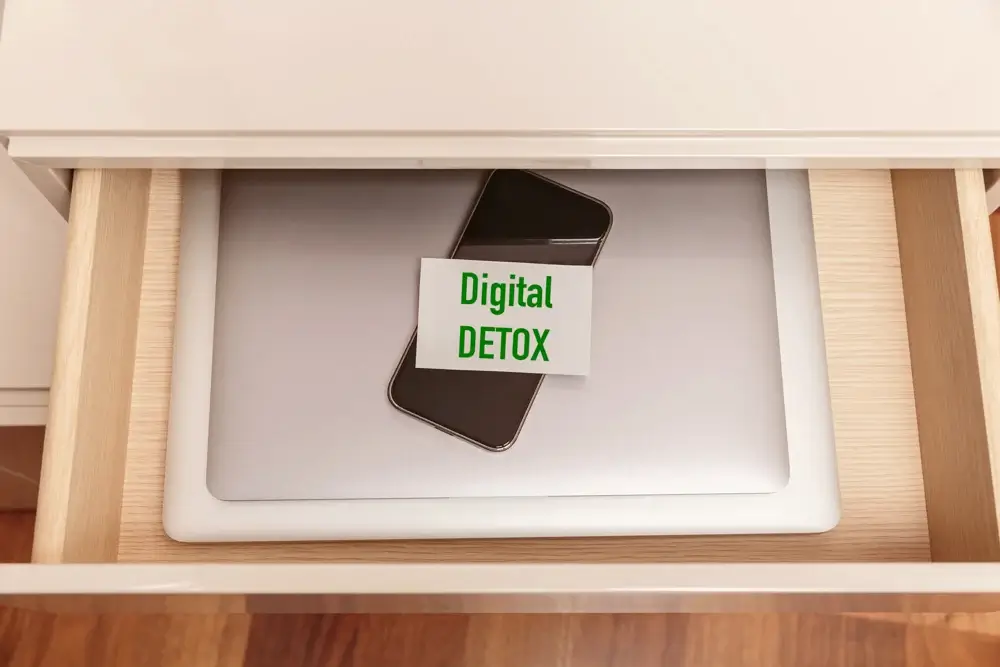
Habit Substitution
Habit substitution is exactly what it sounds like, too: every time the urge to scroll hits, you swap it for a specific alternative activity instead of just white-knuckling through.
Honestly, this is the one that helps most people, because most of us aren’t scrolling for no reason; we’re scrolling out of boredom, loneliness, or a need to decompress.
You might actually need habit substitution when you’re doing either the gradual reduction or quitting cold turkey. I mean, you still need something to do to actually replace the hours you spend on your devices.
The thing is, habit substitution only works if you’ve actually planned your replacement activities ahead of time. (I’ve got 50+ of them for you below.)

App-Based Monitoring
App-based monitoring typically relies on built-in or third-party tools to track, limit, or outright block your usage.
I mentioned I did gradual reduction, but I used a combination of the two. First, I tracked how much time I was spending online and on which apps; TikTok and IG were the biggest issues. After identifying the apps, I gradually reduced the time I spent on both. I set a timer, and whenever I hit my daily limit, I am automatically kicked out of the apps for the day.
App-based monitoring is ideal if you want structure and hard data instead of relying on just willpower alone. Just know it’s not as effective on its own. I mean, it’s easy to override a limit when you really want to. Besides, it doesn’t really fix the underlying habit on its own.
And I would know; I have overridden a limit a couple of times only to start from the top again.
Just something to keep in mind.
Honestly? You might need to combine a few of these, whether it’s habit substitution with app-based monitoring with gradual reduction, or quitting cold turkey with habit substitution.

Your Step-by-Step Digital Detox Plan
1. Set a Goal and a Timeframe
First, decide why you’re doing this. More sleep? Better focus? More present time with your family?
Then pick a timeframe that’s actually realistic for your life. It could be a weekend, a week, or even just tech-free evenings. Longer isn’t necessarily better. In fact, making it sustainable is much more important than how long you do it.
2. Identify Your Trigger Apps
Be honest with yourself here. Which app is the one that swallows your time?
As I mentioned, for me, it was TikTok and Instagram. It could be the same for you, or it could be YouTube, Facebook, or Snapchat.
For some people, it’s not even the “fun” one; it’s the one that feels productive but isn’t. It’s actually better to look at your stats to know for sure.
3. Add Friction Before You Open It
I use a technique I like to call friction stacking. The idea is to put two small barriers between you and the app before you can actually open it and use it.
It could be something as simple as turning off its notifications, moving it off your home screen entirely, or even renaming it to something boring.
That two-second pause can be enough to interrupt the automatic reach.
4. Tell People What You’re Doing
Let your friends, family, or coworkers know you’re trying to cut back so they’re not left wondering why you went quiet. If you do streaks or send reels throughout the week, letting people know helps with the dynamics of such.
Besides, telling people also builds in a little accountability, which never hurts.
5. Line Up Your Replacements Before You Need Them
This is arguably the most important step. Unfortunately, most people overlook it, and that might be why most detoxes fail.
Don’t wait until the urge to scroll hits to figure out what else to do. Decide beforehand (I’ve got 50+ ideas for you below.)
6. Reflect and Adjust Afterward
When your detox window ends, take a few minutes to actually think about it.
What felt good? What felt hard? And most importantly, what do you want to carry forward permanently, versus what was just for the detox period?
Use that to build your new normal to create a balanced life you actually love.

Tools That Actually Help
You don’t need to buy anything to pull this off; most of what you need is already sitting on your phone.
Screen Time (iOS) / Digital Wellbeing (Android): Both are built in, both are free. Use them to see your actual daily numbers (they’re usually humbling), set app-specific limits, and schedule downtime windows.
- Focus Mode: Silences notifications during work, sleep, or whatever window you choose. Simply set it and forget it.
- Freedom or StayFree: Third-party blockers that let you lock yourself out of specific apps or sites for a set period. These are awesome because you don’t need willpower to actually pull it off.
- Forest: Gamifies staying off your phone by growing a virtual tree that dies if you leave the app. This can be weirdly effective.
- An old-fashioned alarm clock: Get your phone out of the bedroom entirely by replacing its one legitimate job, waking you up, with a five-dollar clock.

50+ Things to Do Instead of Doomscrolling
You can’t just quit your devices. You need to replace your screentime with something else.
The thing is, the urge to scroll usually comes from a real need: rest, novelty, connection, or escape. These 50+ things to do instead of doomscrolling meet those same needs without all the negative effects of being glued to your devices 24/7.
Creative Things To Do Instead of Doomscrolling
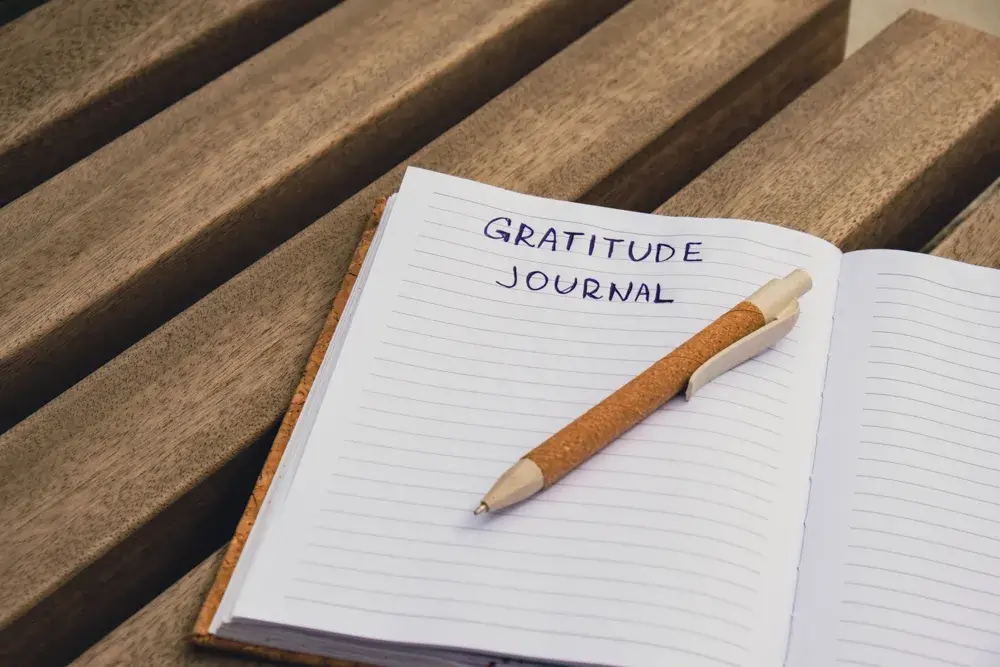
- Journal for a few minutes. It could be a brain dump, gratitude journaling, or just about anything.
- Doodle or sketch whatever’s in front of you or whatever you feel like
- Try a new recipe you’ve been avoiding
- Write a short poem. You don’t need to be Emily Dickinson; even a bad one works.
- Start a scrapbook or photo album (the physical kind)
- Learn three chords on a guitar or ukulele
- Rearrange a shelf, drawer, or room
- Color in an adult coloring book
- Try calligraphy or hand lettering
- Write a letter to someone, and actually mail it. Doing things old school and all.
Movement Things To Do Instead of Doomscrolling
11. Take a short walk around the neighborhood. Could be a walk to the park or a simple hike on a trail.
12. Stretch for ten minutes
13. Try a beginner yoga flow sequence that you don’t necessarily need to watch a video to practice.
14. Dance in your living room or kitchen to different songs.
15. Go for a bike ride
16. Do a quick bodyweight workout
17. Take the stairs, on purpose, just because
18. Garden, even if it’s just a few pots on your balcony.
19. Go for a swim if the weather is nice enough
20. Try a new walking route in your neighborhood

Connection Things To Do Instead of Doomscrolling
21. Call a friend instead of texting them
22. Give someone a genuine compliment in person
23. Go on a coffee date
24. Play a board game with whoever’s around, a friend or family member
25. Have dinner with family with your phone in another room
26. Ask a family member or a friend about their week, and really listen
27. Write a thank-you note to someone who deserves one
28. Visit your neighbor and have a conversation over coffee
29. Start a book club with one other person
30. Volunteer somewhere for an hour, could be an animal shelter

Mindfulness and Rest Things To Do Instead of Doomscrolling
31. Practice deep breathing: in for four, hold for four, out for four
32. Take a nap, yes just because
33. Sit outside on the porch or your balcony and just notice five things you can hear
34. Try a body scan meditation
35. Write down three things you’re grateful for
36. Take a bath with no phone in the room, maybe read a physical book or just drink wine
37. Watch the sunrise or sunset
38. Light a candle and just sit in silence for five minutes enjoying the scent
39. Practice a grounding technique: name five things you see, four you feel, three you hear
40. Stretch out on the floor and just breathe for a bit

Learning and Skill-Building Things To Do Instead of DoomScrolling
41. Read one chapter of a physical book; here are 13 self-help books to start.
42. Learn ten words in a new language
43. Do a crossword or a jigsaw puzzle
44. Listen to a podcast while doing something else, maybe doing laundry or cleaning around the house.
45. Learn a magic trick or a card shuffle
46. Watch a documentary with your phone out of reach
47. Try out a new recipe
48. Try a free online course on something you’re curious about, could be digital marketing or even philosophy.
49. Learn to fold origami
50. Read up on a hobby you’ve always wanted to try

Small, Productive Wins Instead of Doomscrolling
51. Declutter one drawer
52. Meal prep for tomorrow or the week ahead
53. Write tomorrow’s to-do list on paper
54. Fold and put away a load of laundry
55. Wipe down the kitchen counters
56. Water your plants
57. Organize your bookshelf
58. Set out your clothes for the next day
Pick two or three from this list right now and keep them somewhere visible: a sticky note, a notes app you’re allowed to use, wherever. The goal is to have something handy to do instead of defaulting to doomscrolling.

Sample 7-Day Mini Digital Detox
If a full detox feels like too much right now, start small. Here’s a simple structure for a 7-day digital detox.
Day 1–2: Awareness. Don’t change anything yet, just notice when and why you reach for your phone.
Day 3–4: Remove notifications from your trigger app(s) and pick two replacement activities from the list above.
Day 5: Try a full evening, dinner through bedtime, completely phone-free.
Day 6: Take a screen-free walk or do a screen-free activity with someone else.
Day 7: Reflect. What felt good? What do you want to keep doing?

FAQ
How long does it take to break a doomscrolling habit?
Most people notice a real difference within two to three weeks of consistently applying these strategies. It’s not instant, but it works if you actually commit.
Can a digital detox actually help with anxiety?
Many people report less rumination and lower everyday anxiety after cutting back on their exposure to negative or high-stimulation content, especially in the evening.
What’s the easiest way to start a digital detox?
Turn off non-essential notifications and commit to no screens in the first and last hour of your day. That alone makes a noticeable difference in your life.
Is it bad to quit doomscrolling cold turkey?
It can work, but it also has the highest dropout rate because life tends to demand your phone back. If you go this route, make sure you’ve got replacement activities lined up before you start, not after.

Final Thoughts
A digital detox isn’t about punishing yourself for using your phone too much, far from it. It’s about making sure your time online is a choice, not a reflex.
Start small, pick your approach, line up your replacements, and permit yourself to adjust as you go.
Your attention is genuinely one of your most valuable assets. Spend it on purpose. It will be a real shame to waste the best years of your life doomscrolling.
Until the next one, loves.